Umans AI - Monthly Recurring AI Credits
A fixed amount of credits every month, on your AWS bill.
This is the guide for the listing of that name on AWS Marketplace. Models, tools and the API work as in the User Guide.
Set up
Five steps, all started from AWS.
1Subscribe on AWS Marketplace
Open the listing with the AWS account that will pay, choose how many credits you want each month, and subscribe.
2Click Set up your account
AWS shows this button once you are subscribed. It brings you to Umans, where your registration is kept for 48 hours.
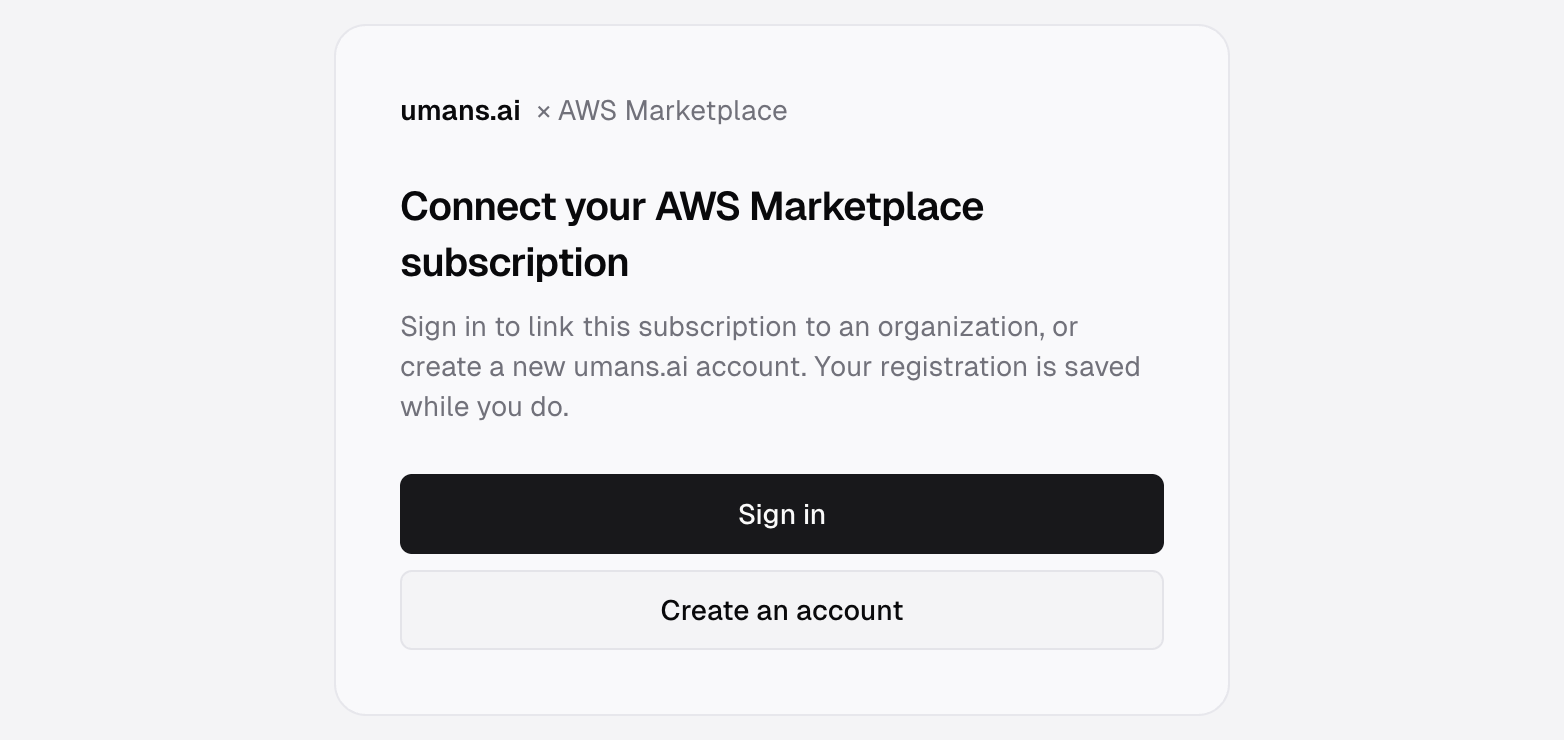
3Sign in or create your account
Use your work email.
4Name your organization
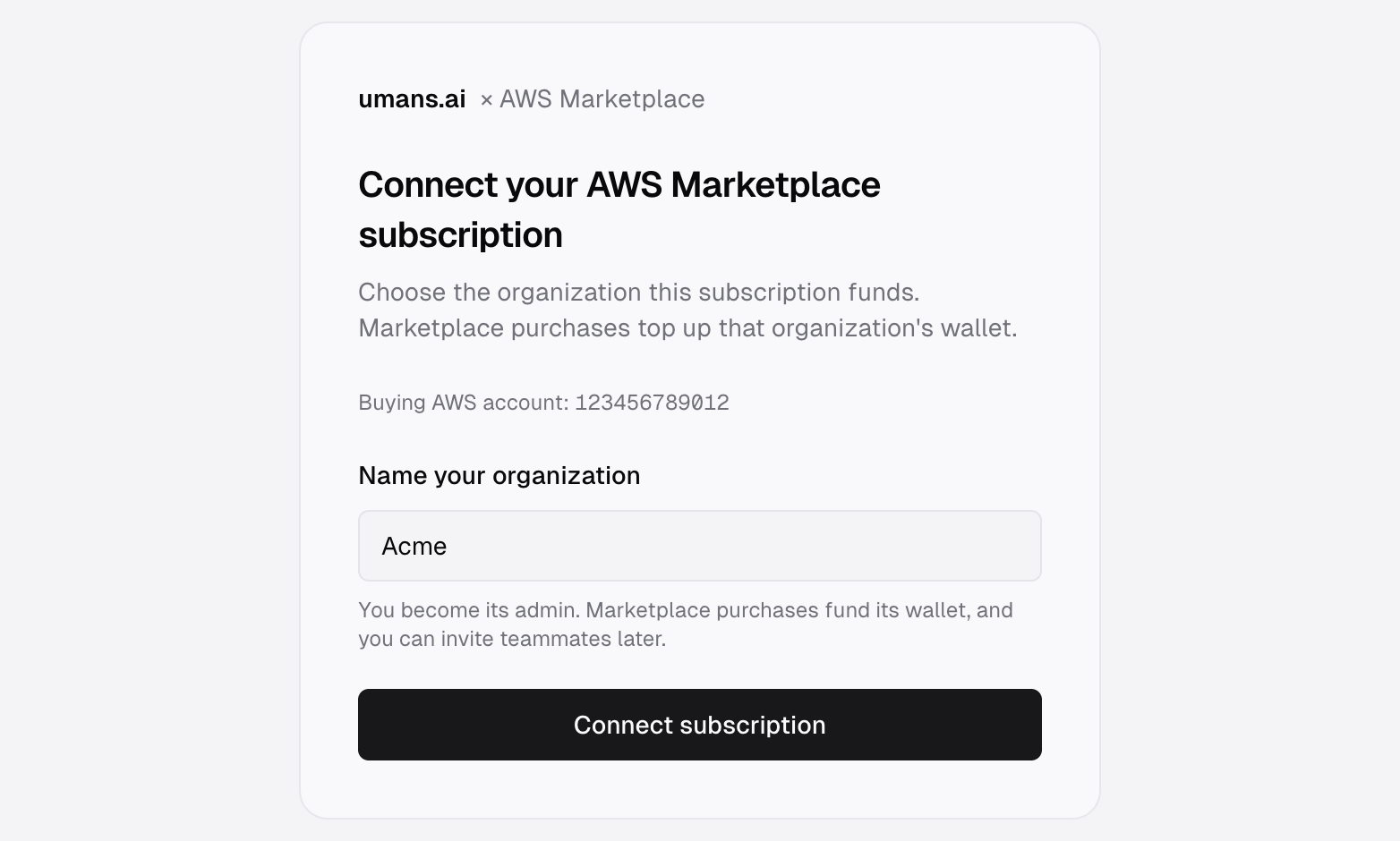
Pick one of your organizations or name a new one, then connect. You become its admin.
5Create a key and start
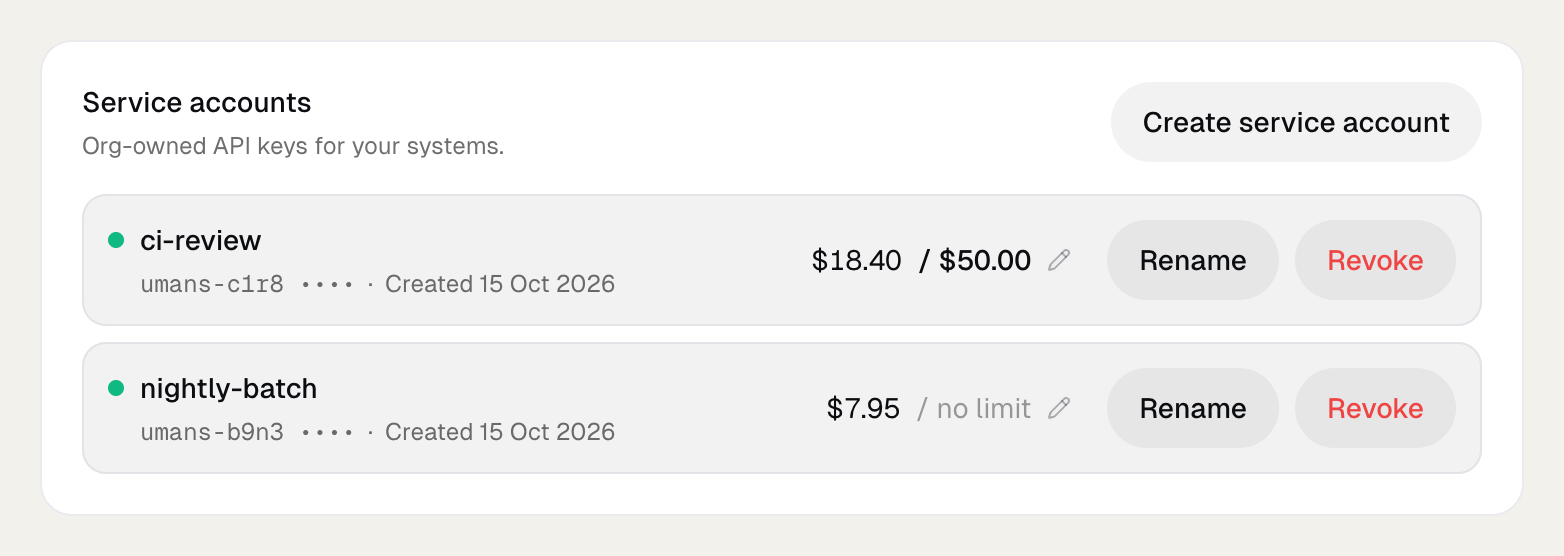
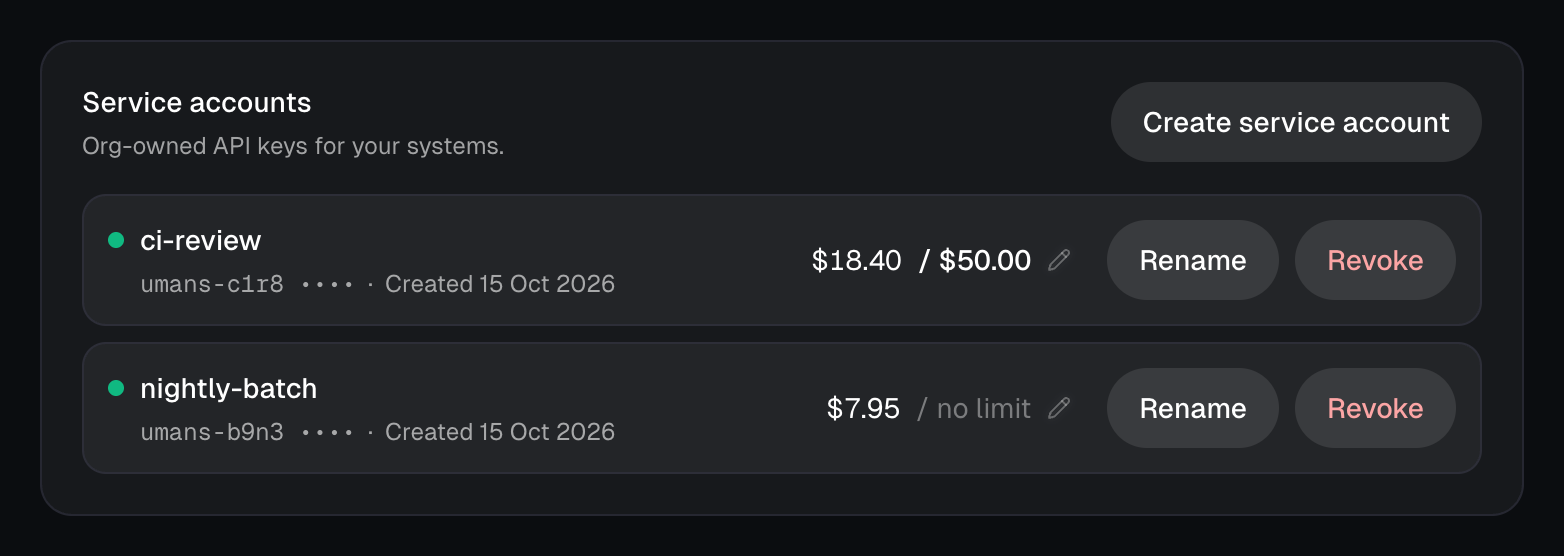
Open the wallet and create a service account. Copy its key, then set up your tool with it as in Manual Configuration. Each service account can have its own monthly limit, set on its row.
How you are billed
- Credits every month. You choose how many. 1 Inference Credit is $1 of usage, priced per token at the public rates.
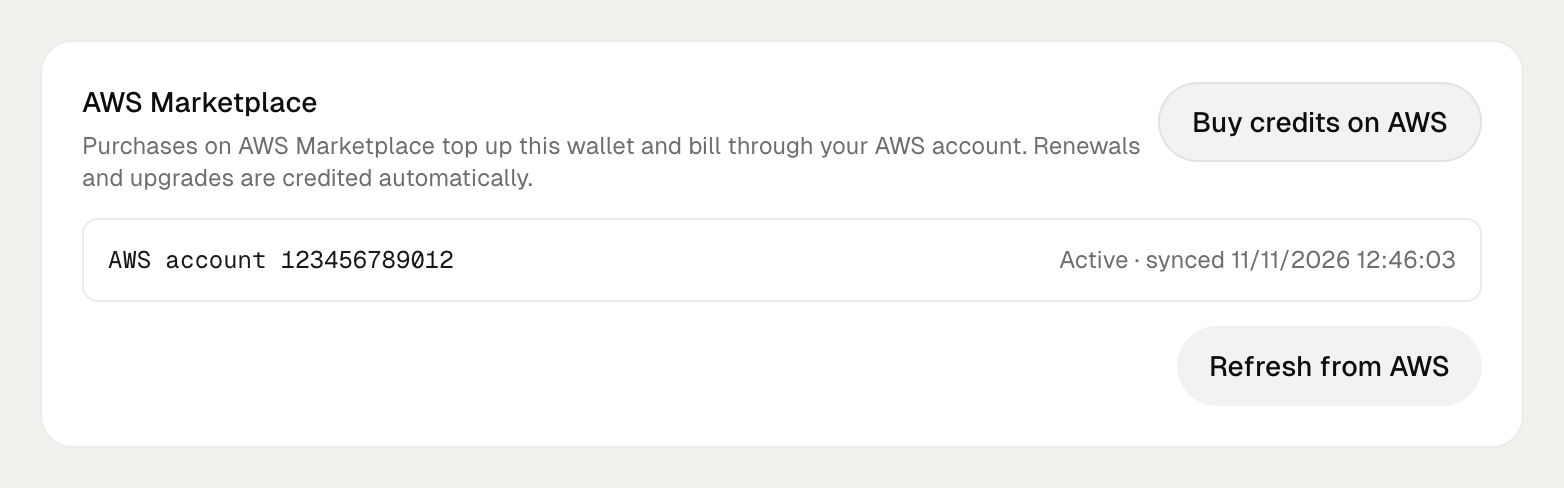
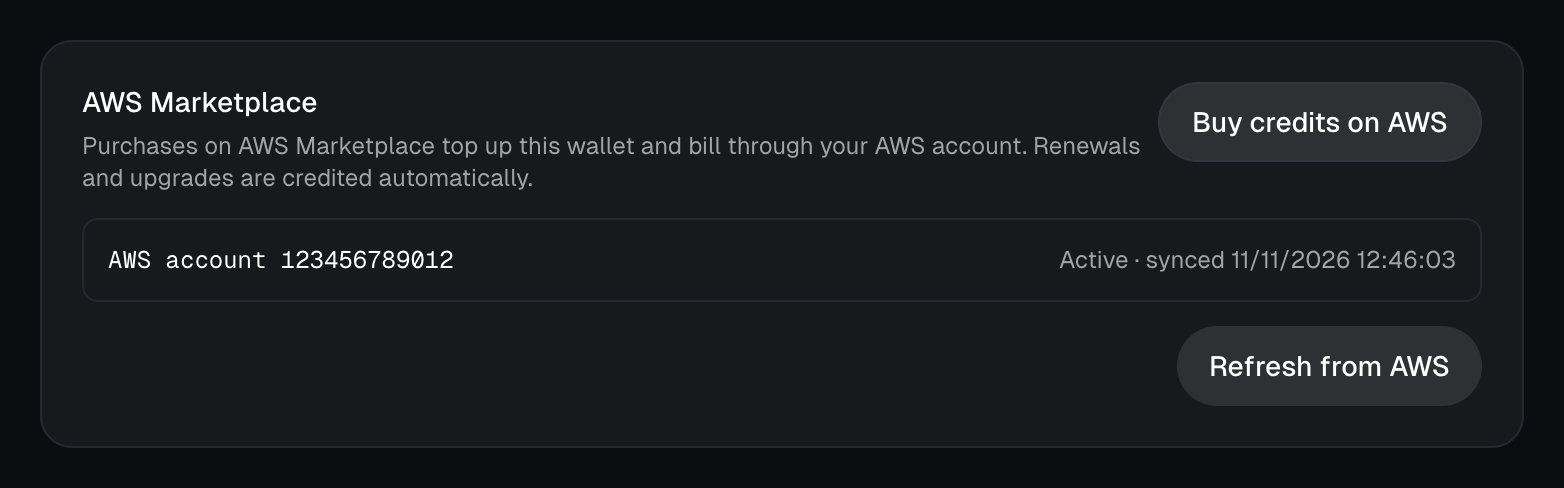
- Added to your wallet when you subscribe and again at each monthly renewal, usually within a few minutes. The wallet has a Refresh from AWS button.
- Need more before the renewal? Raise the quantity on AWS and the difference is added.
- Some purchases are reviewed before they are credited. It takes a few hours, and the wallet says so meanwhile.
Your team
An organization created from AWS starts with service accounts: keys for your tools and automations.
To give each teammate their own key and a monthly limit, write to contact@umans.ai. We switch on team access for your organization, then you follow Set up your team from step 4. Their usage draws from the same wallet.